Dynamic Content and CDN Caching
Foreword
The previous article covered common causes of low CDN cache hit rates and how to fix them. This article will discuss dynamic content and CDN caching. Among them, dynamic content is the most complicated part of CDN caching. Cache it too aggressively and users see stale or wrong data. Do not cache it at all and origin load stays high. This article will discuss how to classify dynamic content, which caching strategies apply to each category, and how to configure CDN behavior for APIs, personalized pages, and real-time data without breaking user experience.
Why dynamic content is different
Static assets like images, CSS, and JavaScript files are the same for every user. A CDN caches one copy at the edge and serves it to everyone. Dynamic content is different: the response depends on who is asking, what they are asking for, and when they are asking.
Three factors make dynamic content hard to cache:
User identity: logged-in users see personalized data. Caching one user's response and serving it to another is a security and privacy problem.
Time sensitivity: stock prices, order status, and inventory counts change constantly. A cached response from five minutes ago may be wrong.
Request variation: the same endpoint may return different results based on headers, cookies, query parameters, or request body.
The goal is not to cache everything. The goal is to cache what is safe and useful, and leave the rest to the origin.
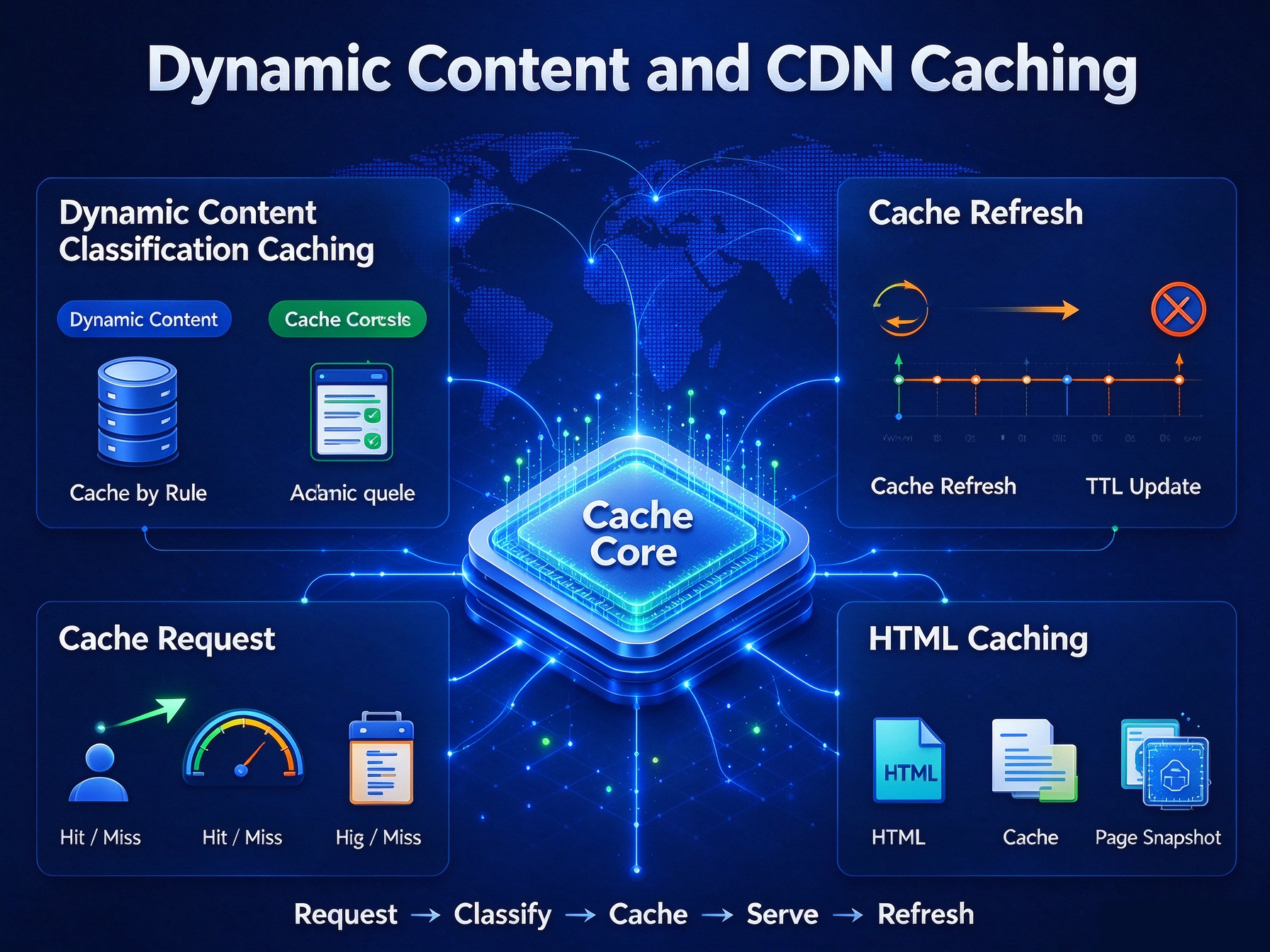
Classifying dynamic content for caching
Not all dynamic content behaves the same way. The first step is to sort your endpoints into categories.
Category 1: Cacheable with a short TTL
Some dynamic responses are the same for all users and change infrequently. These are safe to cache at the edge with a short TTL.
Public API responses: product listings, category pages, public search results, and configuration endpoints that do not vary per user.
Public content pages: blog posts, documentation pages, landing pages, and marketing content that is the same for every visitor.
Static data endpoints: country lists, currency rates, and reference data that updates on a known schedule.
A TTL of 30 seconds to 5 minutes is typical for this category. Short enough to stay fresh, long enough to absorb traffic spikes.
Category 2: Cacheable with variation
Some responses vary by a small number of dimensions: device type, language, region, or currency. These can be cached, but the cache key must include the variation.
Device-specific responses: mobile versus desktop layouts.
Language-specific responses: content served in different locales.
Region-specific responses: pricing, availability, or compliance notices that differ by country.
Currency-specific responses: prices displayed in different currencies.
The cache key for these responses includes the varying dimension: Accept-Language, User-Agent class, or a geo header. Configure the CDN to include these headers in the cache key, and the hit rate improves without serving wrong content.
Category 3: Not cacheable
Some responses must never be cached at the edge. Serving a cached version would leak data, show wrong information, or break functionality.
Authenticated responses: anything behind a login, including account pages, order history, and settings.
Personalized data: recommendations, cart contents, and user-specific dashboards.
Real-time transactions: payment processing, order submission, and inventory reservation.
Session-dependent responses: anything that relies on cookies or session tokens.
These endpoints should be explicitly marked as non-cacheable, both at the CDN and at the origin, to avoid accidental caching.
Configuring the origin to support dynamic caching
The origin server controls much of what the CDN can cache. Getting the origin headers right is the foundation.
Use Cache-Control correctly
The Cache-Control header tells the CDN how to treat a response. For dynamic content, use these directives:
Cache-Control: public, max-age=60: cacheable by the CDN for 60 seconds.Cache-Control: public, s-maxage=300, max-age=60: cacheable by the CDN for 300 seconds, by the browser for 60 seconds. Thes-maxagedirective overridesmax-agefor shared caches.Cache-Control: private, no-store: not cacheable by the CDN or the browser. Use for authenticated responses.Cache-Control: no-cache: may be stored, but must be revalidated before use. Use sparingly.
Use Vary headers for variation
When a response varies by a request header, the origin should send a Vary header to tell the CDN which headers matter.
Vary: Accept-Language: response varies by language.Vary: Accept-Encoding: response varies by compression format. Most CDNs handle this automatically.Vary: User-Agent: response varies by device class. Use with caution, as it can fragment the cache.
Keep the Vary list as short as possible. Every header in the list multiplies the number of cache entries.
Use stale-while-revalidate for background refresh
The stale-while-revalidate directive lets the CDN serve a slightly stale response while fetching a fresh one in the background.
Cache-Control: public, max-age=60, stale-while-revalidate=300: serve cached content for up to 60 seconds without revalidating, then serve stale content for up to 300 seconds while refreshing in the background.This is useful for content that changes occasionally but where a few seconds of staleness is acceptable.
It reduces origin load during traffic spikes by preventing every expired request from hitting the origin at once.
Handling API caching
APIs are the hardest dynamic content to cache. The right approach depends on the API's behavior.
GET requests with no user context
Public GET endpoints that do not depend on authentication can be cached with a short TTL. Examples include product catalogs, public search, and reference data.
Configure the CDN to cache these endpoints by path or route pattern. Include any query parameters that affect the response in the cache key.
GET requests with user context
Endpoints that require authentication should not be cached at the edge. Instead, use a private cache or a token-based approach.
Private cache: some CDNs support a private cache tier that caches per user. This adds complexity and may not be worth it for most sites.
Token-based caching: cache the response keyed by a token or session ID, with a short TTL. This is rare and requires careful implementation.
In most cases, authenticated endpoints should be marked private, no-store and served directly from the origin.
POST, PUT, DELETE requests
These methods are not cacheable by default. The CDN should pass them through to the origin. Do not attempt to cache them unless the API is explicitly designed for it.
Handling HTML caching
HTML is where many sites get the most benefit from dynamic caching. A few strategies work well.
Cache HTML for anonymous users
For visitors who are not logged in, the HTML response is often the same for everyone. Cache it at the edge with a short TTL.
Serve cached HTML to anonymous users.
Bypass the cache for logged-in users by checking for a session cookie.
Configure the CDN to bypass the cache when the session cookie is present.
This is the single biggest hit-rate improvement for most content sites.
Use Edge Side Includes for personalized fragments
For pages that are mostly static but contain small personalized elements, Edge Side Includes (ESI) let you cache the page shell and assemble personalized fragments at the edge.
The page shell is cached with a long TTL.
Personalized fragments are fetched separately and inserted at request time.
The origin only handles the fragments, not the full page.
ESI requires CDN support and origin-side templating. It is worth the complexity for high-traffic sites with personalized elements.
Measuring the impact
After configuring dynamic caching, measure the results by category.
Hit rate by endpoint category: cacheable, cacheable with variation, and non-cacheable endpoints should be measured separately.
Origin request volume by category: the origin should see fewer requests for cacheable categories after the change.
Time to first byte: caching should reduce TTFB for cached responses.
Error rate: verify that no authenticated or personalized responses are being served from cache.
Staleness complaints: check whether users are seeing outdated content where they should not.
If the hit rate for cacheable categories improves and error rates stay flat, the configuration is working.
Common mistakes
Caching authenticated responses: this leaks data between users and is a serious security issue.
Using a single TTL for all dynamic content: different endpoints have different freshness requirements.
Ignoring Vary headers: missing variation causes wrong content to be served.
Overusing no-cache: marking everything as no-cache defeats the purpose of the CDN.
Not testing after configuration changes: cache behavior can change unexpectedly with origin or CDN updates.
Summary
Dynamic content caching is not about caching everything. It is about classifying content by how it varies, configuring the origin headers to communicate that variation, and letting the CDN cache what is safe.
Cacheable with short TTL: public API responses, public content pages, static data endpoints.
Cacheable with variation: device-specific, language-specific, region-specific responses.
Not cacheable: authenticated, personalized, and real-time responses.
Configure Cache-Control, Vary, and stale-while-revalidate at the origin. Bypass the cache for authenticated users. Use ESI for personalized fragments on otherwise static pages. Measure hit rate by category, not as a single number.
Thank you very much for reading to the end!